
E-Invoice – Reasons for Rejection and Resolutions
Is your e-invoice getting rejected? What could be the reason? Are there any resolutions?
Starting October 1, 2020, all taxpayers registered under GST with a turnover of more than Rs.500 crore need to use e-invoicing. Taxpayers with a turnover of more than Rs.100 crore are expected to stick to the same beginning January 1, 2021. Appropriately, taxpayers with an annual turnover of more than Rs.50 crore must use follow the system of e-invoicing from April 1, 2021.
When reporting invoices to IRP, taxpayers may encounter errors. This article discusses how to avoid common error mistakes when reporting invoices to IRP and how to fix them.
What is e-Invoicing?
The Invoice Registration Portal (IRP) uses an e-Invoicing method to electronically authenticate B2B invoices. Taxpayers, tax consultants, and other qualifying entities can make use of e-invoice solutions. The experience is straightforward, and it is built on the normal invoicing operation that does not necessitate any expert knowledge.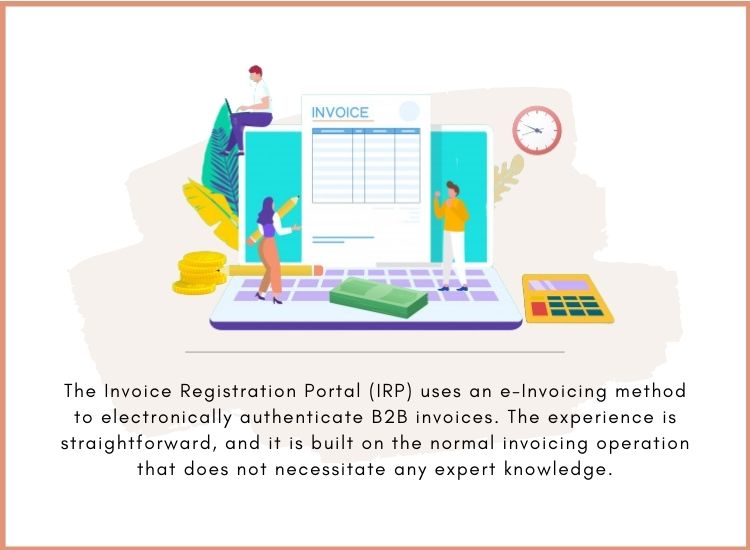
What are the reasons for e-Invoice rejection and resolutions?
To assist you in resolving errors encountered while uploading e-Invoice to the NIC portal, NIC has provided the following error codes, error reasons, and related resolutions.
To find the necessary error code press Ctrl+F and implement an appropriate solution.
You can also verify the error code on the page published by NIC https://einv-apisandbox.nic.in/api-error-codes-list.html
Vital Errors
[wptb id=13922]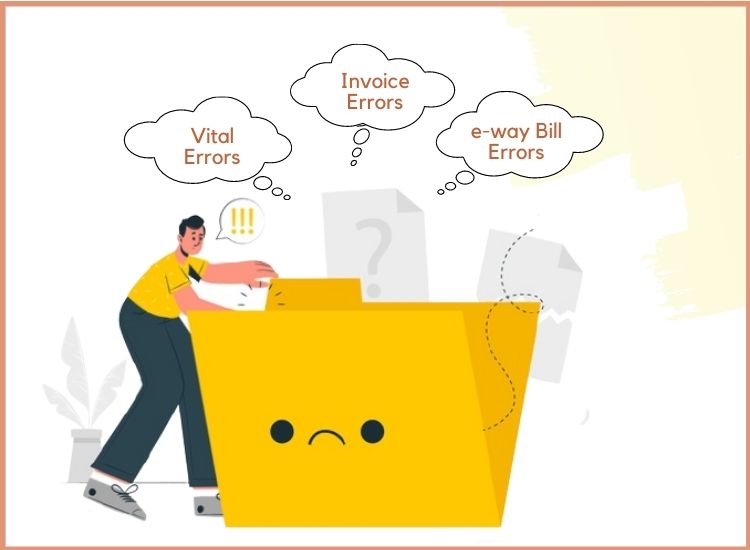
Invoice Errors
[wptb id=13923]
e-way Bill Errors
[wptb id=13925]
How TallyPrime helps in generating e-invoice?
TallyPrime offers a seamless experience that does not demand any extra expertise to configure/generate business e-Invoices. The information from your e-invoice should be represented in GSTR-1 once it’s generated. Taxpayers, tax consultants, and other qualifying parties could use TallyPrime’s e-invoice solution.
For instance, all you have to do is record your sales transactions and your e-invoice needs will be dealt with in the same process. Primary information like IRN, Ack No., QR code, and e-Way Bill no., etc will be automatically updated in the vouchers, and you can print them. TallyPrime will also make sure that the company accounts and compliance requirements are addressed appropriately.
TallyPrime also allows you to create bulk e-invoices for multiple invoices. If you are not willing to generate the e-invoice when recording the transaction, you can pick one or more transactions from the e-Invoice report and as per your convenience generate the IRN. All online e-invoicing requests pass through Tally GSP (TIPL). The best aspect is that you won’t need any more software or plugins to take advantage of the e-invoicing benefit in TallyPrime.
How to enable e-Invoicing in TallyPrime?
To use TallyPrime’s e-invoicing benefits, you must first allow the e-invoicing facility in your company features. The e-invoicing options can then be configured, and e-invoices can be generated.
1. To open the Company GST Details screen: Press F11 and Choose Yes for Enable Goods and Services (GST).
2. Adjust the e-Invoicing applicable option to Yes. The following e-invoicing options will now be visible:
a. Applicable from- Place the date from which your transactions will be eligible for e-invoicing.
b. Bill from Place– Indicate supplies location where they were billed. This may be the same as or distinct from the shipped place of your supplies, based on your company operations.
c. Default period for the e-Invoice report – Choose the time period for which the transactions in the e-Invoice report would be shown. According to department regulations, e-invoices must be created within 72 hours of billing till it will be set to 3 days by default. TallyPrime, on the other hand, offers to arrange a period between 1 and 31 days, depending on your business needs.
d. Send e-Way Bill details with e-Invoice – TallyPrime offers the ability to create an e-Way Bill in addition to an e-invoice. If it would be valuable to your business then you may activate this option to send this information together.
Accept the display. To save the details, press Ctrl+A as usual.
Conclusion
For a successful e-invoicing systems implementation, taxpayers may review common error messages mentioned above with potential solutions. If you want an ultimate performance of your tally version, host your Tally on Cloud. For any query visit Tallystack.in.
FAQ
Can e-Invoice (JSON export) offline export be used after the expiry of TSS?
Yes, even TSS has expired after updating to TallyPrime Release 1.1, you can still use offline JSON export.
How to create an e-Way Bill with an e-Invoice?
For all e-Invoice transactions, you can create an online e-Way Bill along with an IRN (Invoice Reference Number). It is only relevant to Sales (INV). NIC does not endorse the e-Way Bill generation with an e-Invoice for sales return/sales escalations (Credit/Debit Notes).
Confirm that Generate e-Way Bill along with e-Invoice is adjusted to Yes in F12 configuration when generating online e-Invoice and voucher saving.
Ensure that Generate e-Way Bill along with e-Invoice is configured to Yes in the feature of F11 Company when generating bulk e-Invoice from the preview of the e-Invoice report.
When synchronizing data between head office and branches will e-Invoice information also get synchronized?
Yes, While synchronizing or importing data, the e-Invoice details—IRN, Ack No., QR code—will be the transaction information part. According to the synchronization settings, information is submitted to the server or clients.