
How to Enable TallyIra on TallyPrime Cloud in 2026?

AI has arrived in TallyPrime. If you host your books online, you’re probably asking whether TallyIra on TallyPrime Cloud actually works and what you need to get started. TallyIra is an AI feature built into TallyPrime itself, so you enable it through the official registration process. You just need your cloud setup to be prepared for that.
The following article describes the nature of TallyIra, its compatibility with the cloud version of TallyPrime, and necessary prerequisites before starting it.
What Is Tally Ira?
TallyIra is TallyPrime’s built-in AI capability, introduced with Release 7.1. Its first feature, Docs by Ira, reads supplier invoices and prepares draft vouchers. Nothing enters your books until a person reviews and approves it.
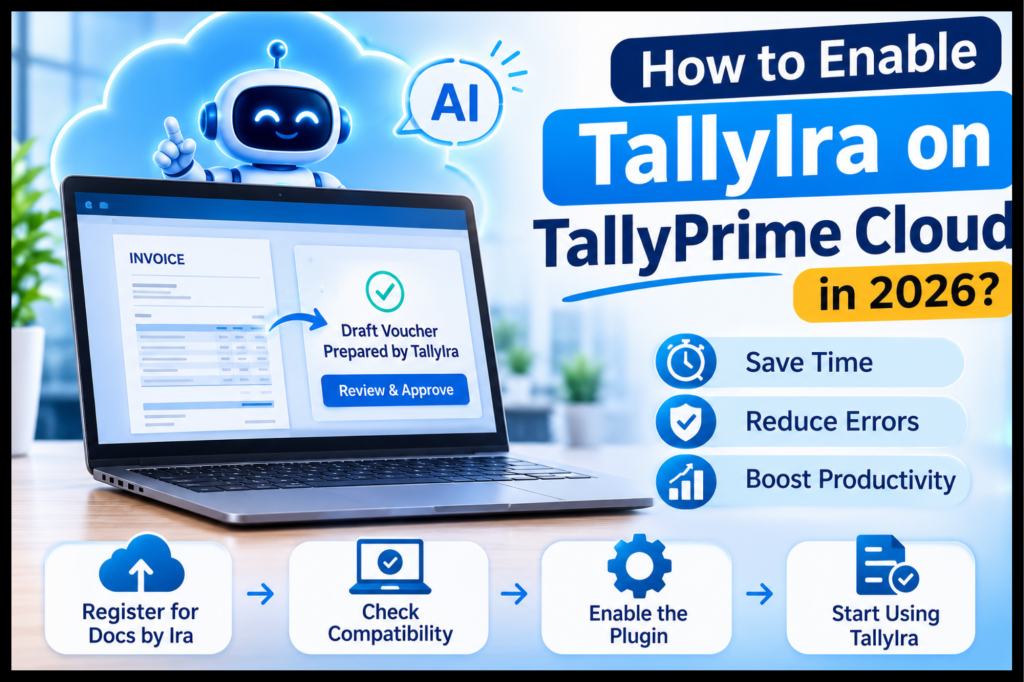
Why Do Accountants Care About It?
Less manual typing of purchase invoices
Fewer data-entry errors on repetitive documents
Faster month-end closing
A mobile app option for scanning invoices
Time savings of up to 80% have been cited for document handling. This will obviously vary based on the quality of the documents themselves and the consistency of your ledger.
Who Provides What With Tally Cloud, Ira, and Cloud Hosting?
TallyIra comes with the software. Registration, quota, and billing for Docs by Ira happen through the official process using your TallyPrime serial number.
The environment is offered to you by your cloud service provider. It consists of the server, remote access, uptime, backup, and TallyPrime installation.
Tally Stack provides Tally cloud hosting. TallyPrime is hosted in the cloud, which makes it fast, secure, and easily available so that services like TallyIra can be used.
Compatibility of TallyIra with TallyPrime in the Cloud?
Tally IRA compatibility depends on your TallyPrime installation, not on where it runs. TallyIra is part of TallyPrime 7.1, so a cloud-hosted TallyPrime on that release is the right foundation.
What Do You Need Before You Start?
TallyPrime Release 7.1 or later
An active TallyPrime license (Educational Mode can’t use Docs by Ira)
Your TallyPrime serial number
Reliable internet access from the cloud server
Enough server resources for your users
Is It Suitable for Single User and Multi-User Configurations?
Small companies usually go for a single-user TallyPrime hosted on a hosted desktop. Big organizations deploy multi-user or server-based configurations. Test it first for a single user and then deploy it companywide.
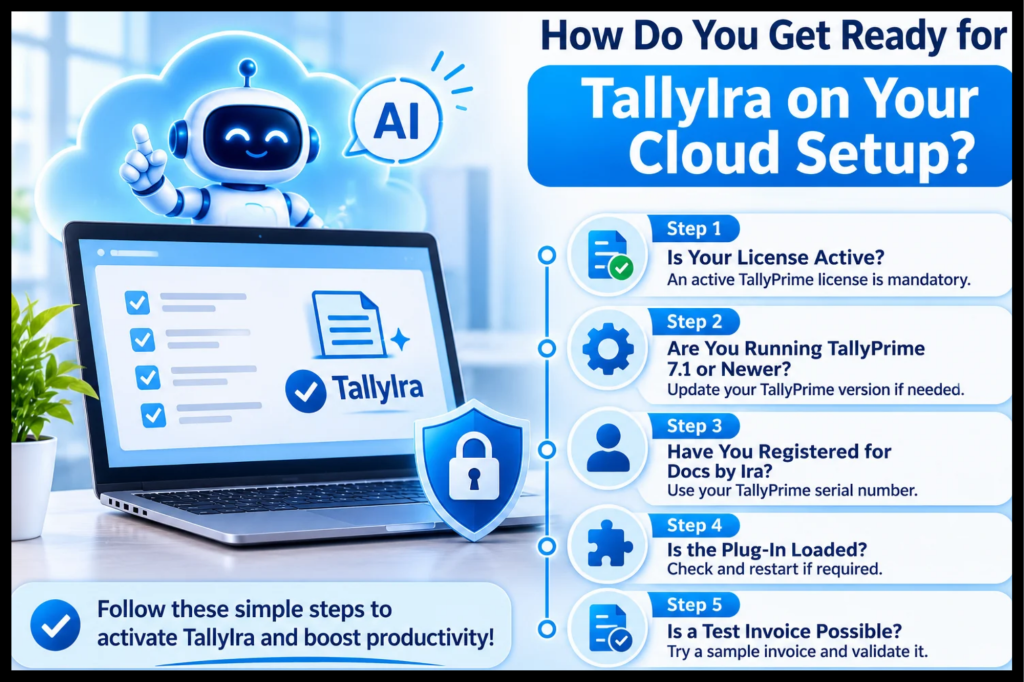
How Do You Get Ready for TallyIra on Your Cloud Setup?
Follow these steps for Tally IRA setup on the cloud.
Step 1: Is Your License Active?
An active TallyPrime license is mandatory. Check it first.
Step 2: Are You Running TallyPrime 7.1 or Newer?
You can ask your cloud host provider to update your TallyPrime hosted on the cloud, or you can do it yourself if you have administrative rights. Backup your organization’s data before proceeding with the upgrade.
Step 3: Have You Registered for Docs by Ira?
Register with your TallyPrime serial number through the official portal. New registrations receive 100 free import pages for two months, after which you buy prepaid page packs. Check current plans on the portal.
Step 4: Is the Plug-In Loaded?
Start up TallyPrime and see the configuration for the plug-in. Docs by Ira should be listed and loaded. If not, restart TallyPrime and verify the server’s internet access.
What If It Still Doesn’t Load?
Confirm the version and license again, then ask your cloud host to check outbound connectivity from the server.
Step 5: Is a Test Invoice Possible?
Get one invoice from the supplier and rectify all unmatched ledgers and validate the voucher.
What Does TallyIra Look Like in Real Life?
Picture a CA firm managing 15 clients on a shared cloud setup (an illustrative scenario). A clerk used to type every purchase invoice. Using Docs by Ira, the clerk uploads the invoices and checks the work prepared by the AI; this is followed by approval by the reviewer. It’s at this point in time where the real time savings are achieved.
What Are the Common Problems and Quick Fixes?
Plug-in not showing: Check the TallyPrime version, license status, and internet access.
“Quota exhausted” message: Top up your plan through the official customer portal.
Wrong ledger mapping: Review drafts closely early on and keep your masters consistent.
Slow performance: Heavy imports at peak hours can strain a shared server. Discuss resources with your cloud host.
Why Does Cloud Hosting Make AI-Powered Accounting in Tally Easier?
TallyPrime remote access lets your team and your CA work on the same company file from anywhere. Cloud-based accounting solutions add centralized backups and simpler collaboration. Combined with Docs by Ira, invoices can be scanned in one place and approved in another.
What Security Basics Should You Follow?
Give every user an individual login with role-based access.
Keep AI-generated drafts under mandatory review.
Maintain regular backups.
Restrict who can approve vouchers.
Conclusion
For most accounting teams, enabling TallyIra on TallyPrime Cloud is worth it. It eliminates manual input but allows you to retain total control over your books. Get registered via the proper process, ensure that your installation is up-to-date, and also have good hosting.
As far as hosting is concerned, the Tallystack comes with hosting known as Tally Cloud Hosting that is designed for TallyPrime users.
Frequently Asked Questions
1) What is TallyIra in TallyPrime?
TallyIra is TallyPrime’s AI capability. Its first feature, Docs by Ira, reads invoices and prepares draft vouchers for review.
2) Can I use TallyIra on TallyPrime Cloud?
Yes, theoretically. This is because TallyIra comes from the TallyPrime 7.1 version, and hence having a cloud-based setup of this version with a valid license key will be adequate. Ensure that you have installed the plugin successfully in your system.
3) Does my cloud provider enable TallyIra for me?
No. The registration and billing process is done through the proper process through your serial number. The provider of cloud services provides the hosting platform.
4) Which version of TallyPrime should I download?
TallyPrime Release 7.1 and above.
5) Is Docs by Ira free?
New registrations get 100 import pages free for two months. After that, you buy prepaid page packs.
6) Does TallyIra post entries automatically?
No. It prepares drafts, and a person approves them before they reach your books.
7) What should I look for in Tally cloud hosting?
Look for reliable uptime, regular backups, secure access, enough resources for your user count, and support for current TallyPrime versions.